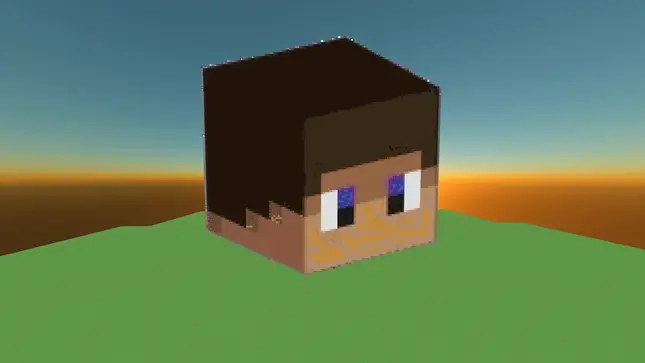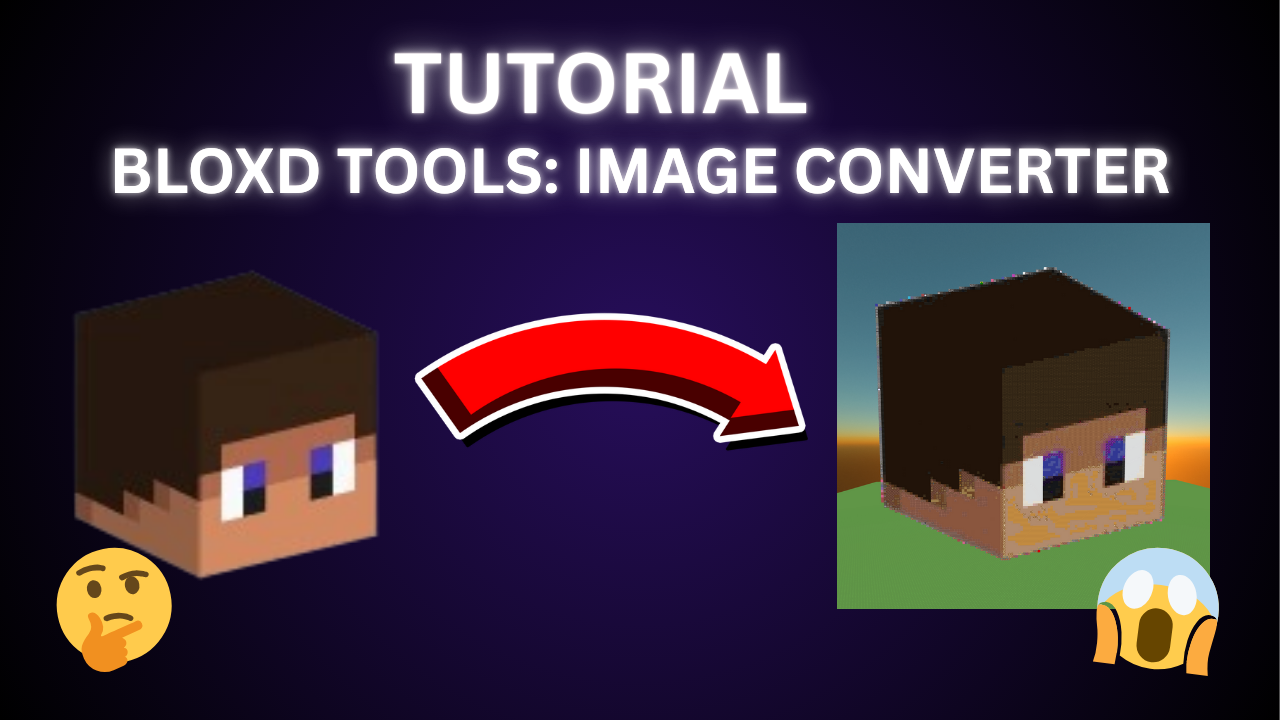



Update V1.2.5 - TUTORIAL
Tutorial
New tutorial both documentation and video
Page updates
Privacy and Policy, TOS, About us, and Contact Us have all been updated
Better UI
Improved UI of certain areas
Bug Fixes
Output bugs, converting bugs, and more have been fixed
Update V1.2.4 - BETTER CONVERSION
Improved Conversion
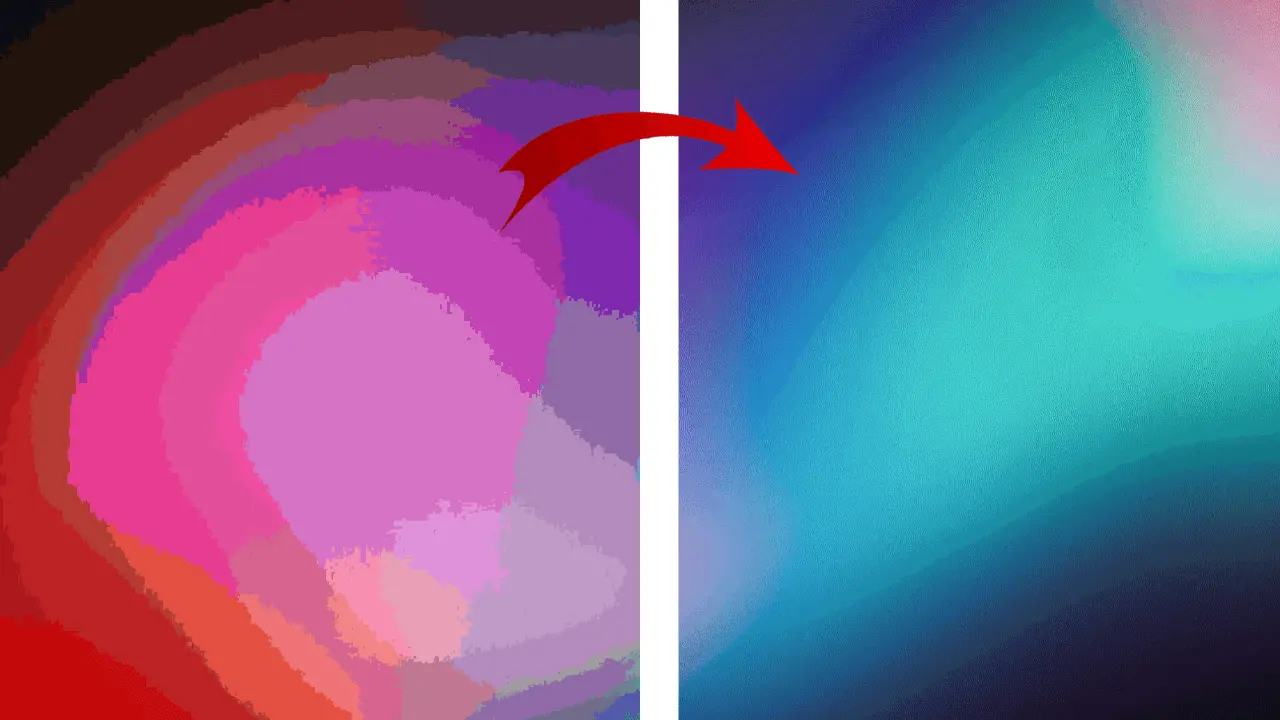
Now we use dithering, making better conversion. Look at the texture slider in conversion settings
Optimization
Now converts images 4x faster
Filter
We are adding filters for the safety of bloxd users
Better output movement
Improved output movement
Bug fixes
Block display container, Block count container, and more were fixed
Update V1.2.3 - MULTI-SCHEMATICS
Multiple Schematics
Now splitting schematics so you can have bigger images pasted (Also made pasting schematics faster)
Optimization
Now converts images 2.5x faster
New UI
New homepage with a slight redesign and a better background. Image Converter has quick steps, comparison, and FAQs
New Blocks
Fruity Leaves, Leather Block, and Autumn Blocks are now added
Bug fixes
Schematic bugs, block bugs, UI bugs, and more have been fixed.
Update V1.2.2 - NEW CONVERSIONS
New Convert Options
2 new converting options: More Solid and Less Blocks
New Converter design
Image Converter has been completely redesigned to match homepage style
Prefrences Upgrade
You can now save your texture pack in preferences, and it is now a new file type.
Texture Pack Upgrade
Instead of Just images, you can now send your entire t-pack for easier use
Modifications Upgrade
Now blocks that fall into the categories not chosen will be visible in the block display
Bug fixes
Schem bugs, block bugs, ui bugs, and more are fixed
Update V1.2.1 - OPTIMIZATION
Speed
8.7x faster than before
Less lag
Less lag now during image converter
Block Key
Moved to the Block Display
Update V1.2 - SCHEMATICS
Schematics
Schematics are now found in the download button
Blocks Added
Bone Block Top and Bottom are now added
Mobile improvements
Made some improvements
Update Log
Update Log added
Instructions
Image Converter Instructions have now been improved
Update V1.1 - More device compatible
Mobile Overhaul
Fixed image converter compatibility on more devices
Update V1.0 - Release
Image Converter
Turns any image into bloxd blocks
Update V1.2.201 - Jungle Blocks
Jungle Blocks
Mango, Banana, and Jungle Block are now added
Device improvement
Now Webpages are slightly improved to work on other devices
Fixed Blocks
Snowy Messy Stone was fixed
Update V1.2.13 - Chalky & Illegals
Homepage Update
With an completely new style to the homepage
Mobile improvement
Updated the homepage to have better improvements for mobile users
New Blocks
All chalk block variants and some more illegal blocks are now added to the image converter
Updated Update Log
Update log is now separated into 3 sections.
Update V1.2.12 - Minor Changes
Homepage Update
Now Css blocks removed and now has about bloxd tools.
New logo
New logo for bloxd tools (yay!)
Mobile improvement
Updated the homepage to have better improvements for mobile users
New Blocks
Pine Grass Block, Pine Grass Slab, Pine Grass, Pine Fern, Fallen Pine Cone, and Pine Cone Block are now added to the image converter
Bug Fixes
Image can now be downloaded.
Update V1.2.11 - Spectral Blocks
New Blocks
All Spectral biome blocks are now in the image converter
Update Blocks
Wither Rose is now not an illegal blocks and is now called shadow rose
New Block in categories
Spectral Grass, Snowy Messy Stone Slab, and Spectral Slab